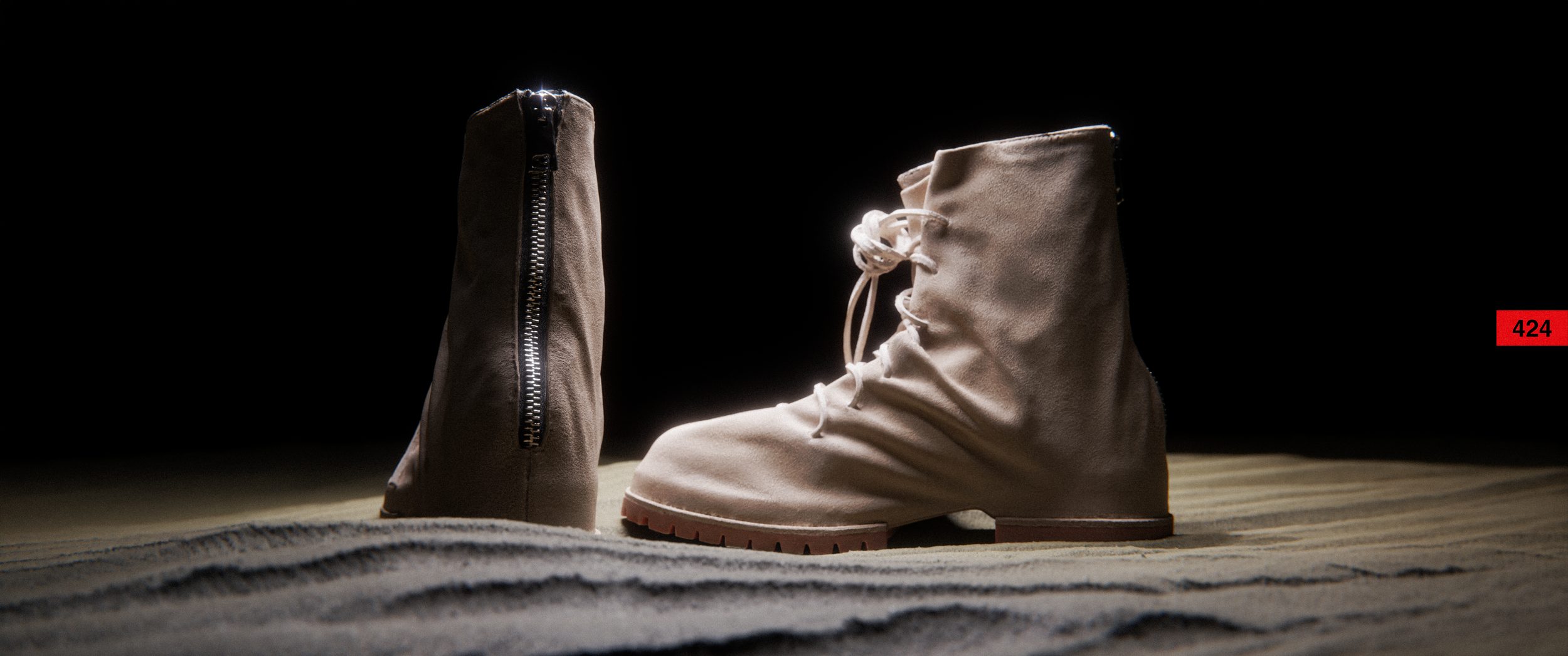
424 Marathon Boots
Description
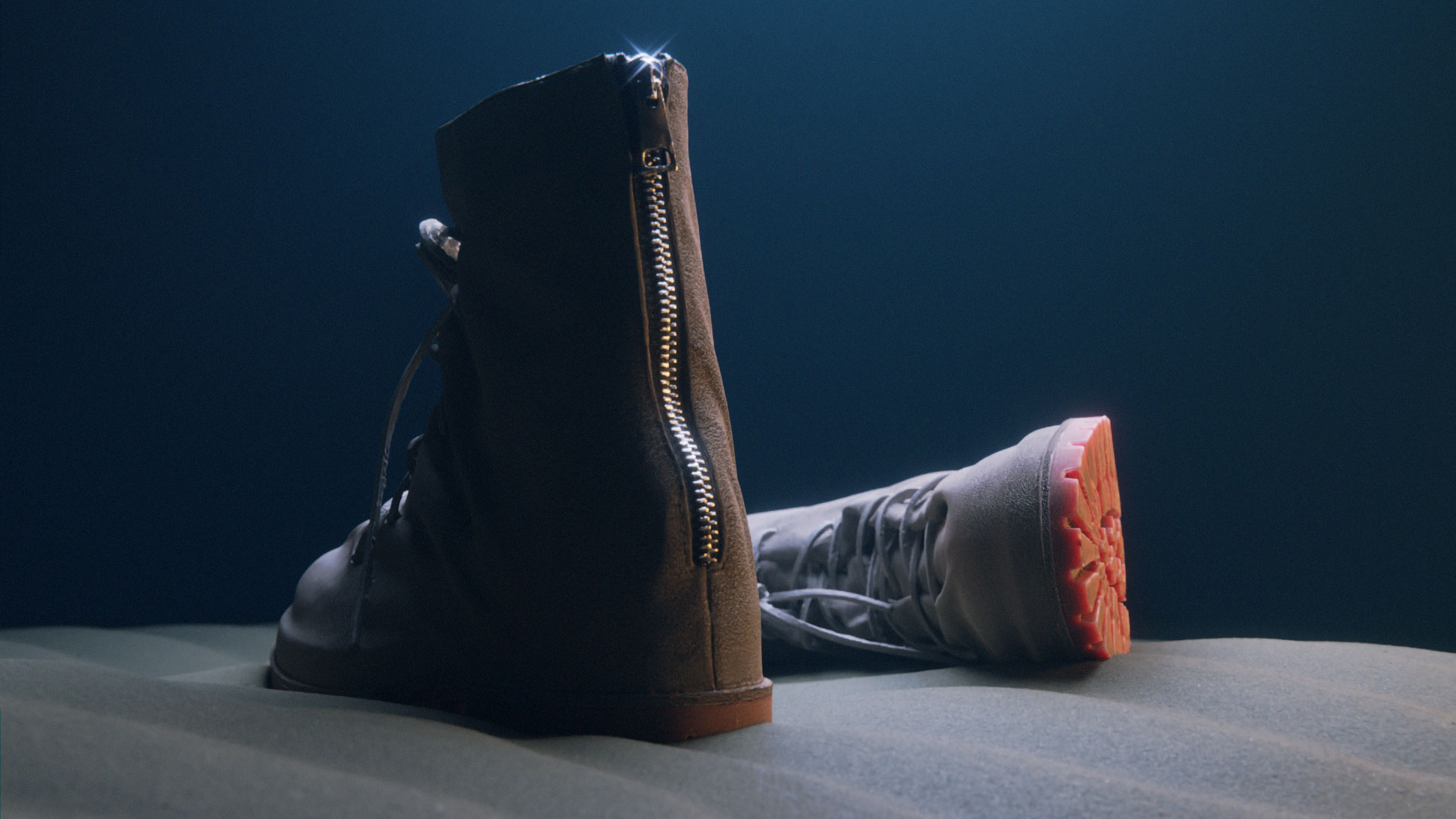
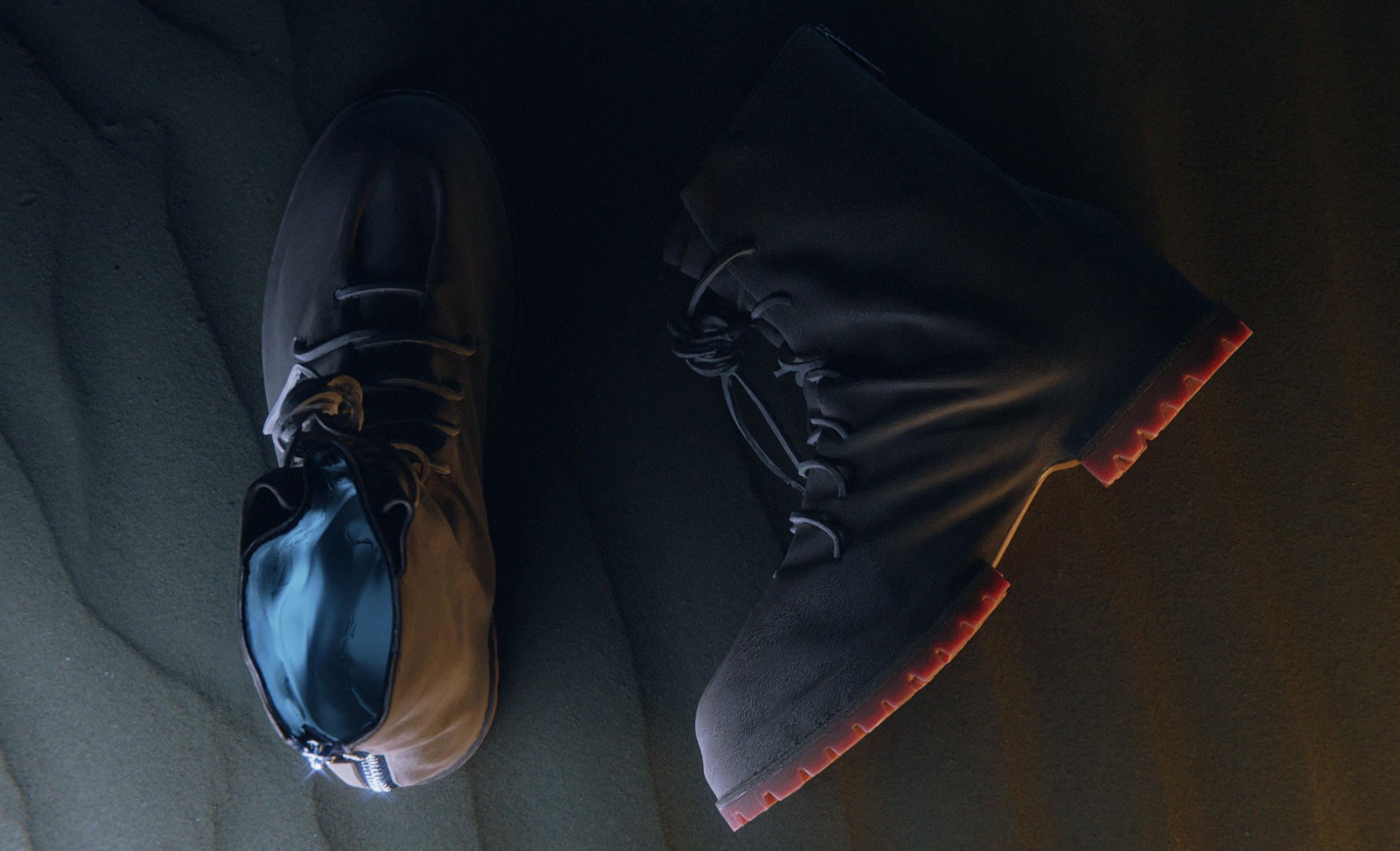
Full pipeline from raw photogrammetry scan to final render: mesh cleanup, lookdev, and scene lighting in Blender
Role
- Photogrammetry
- Modeling
- Look Dev
- Rendering
- Compositing
Client
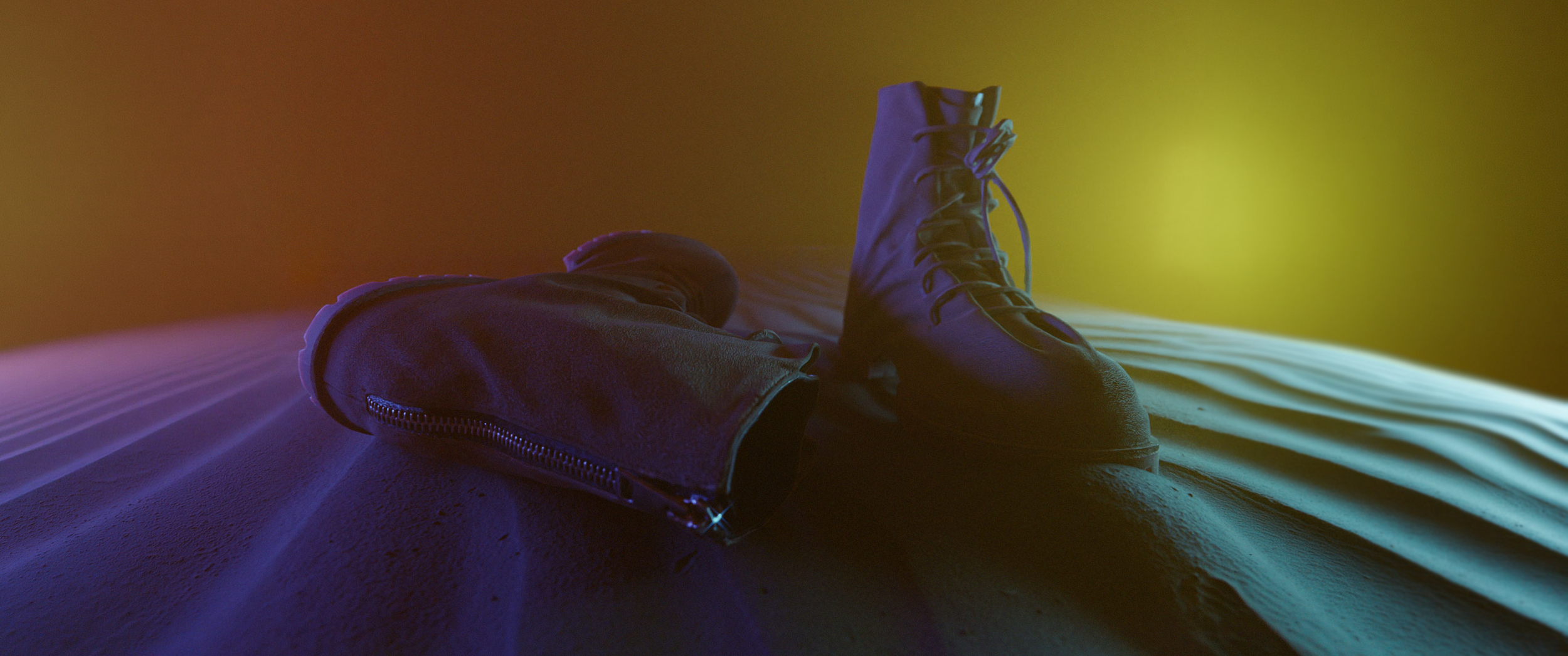
Interactive 3D
ProcessScan to final render, 8 steps
The goal was to work out a full workflow for scanning a real object and turning it into a digital product — unlit, low-poly, with PBR textures.
-
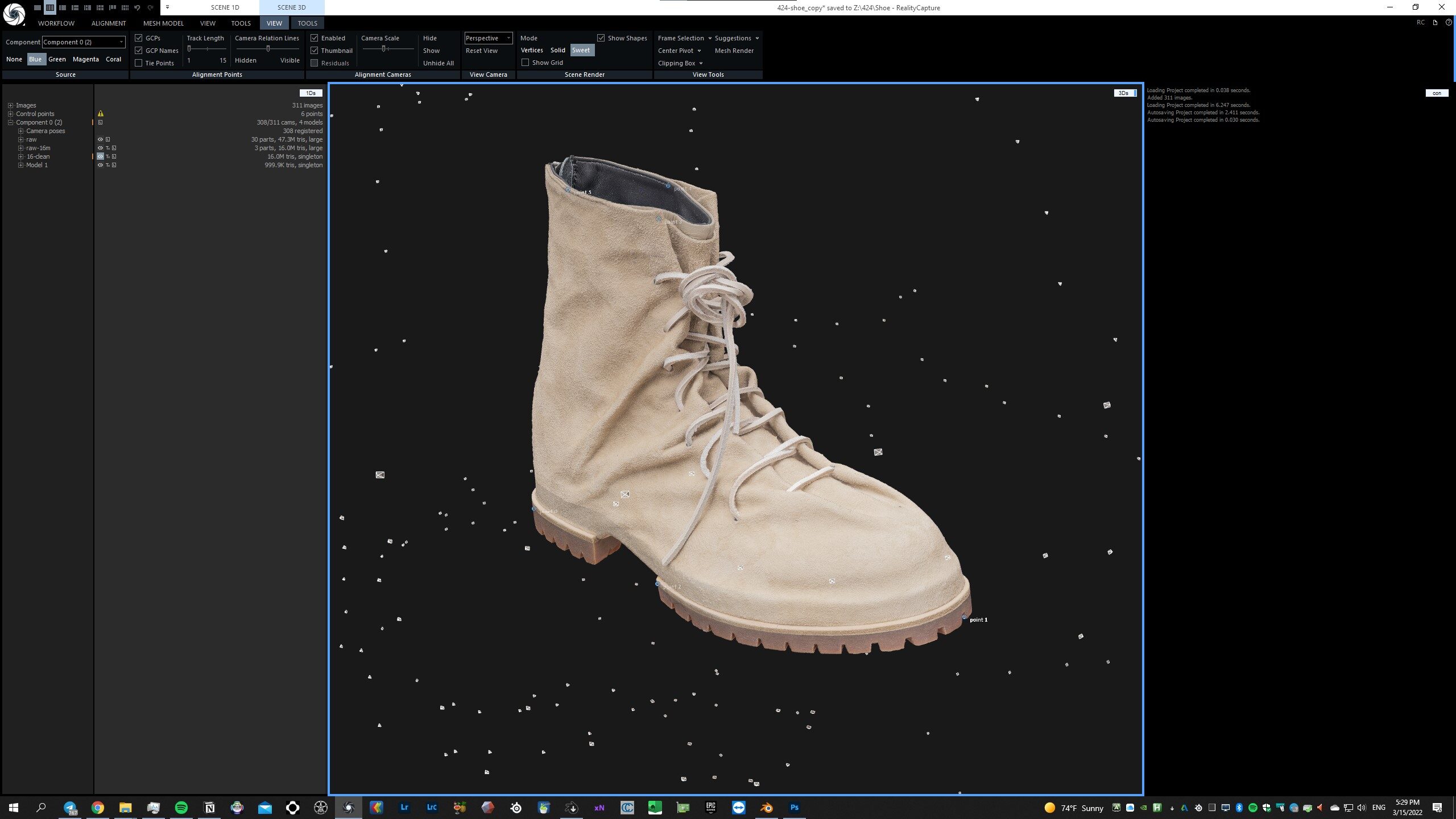
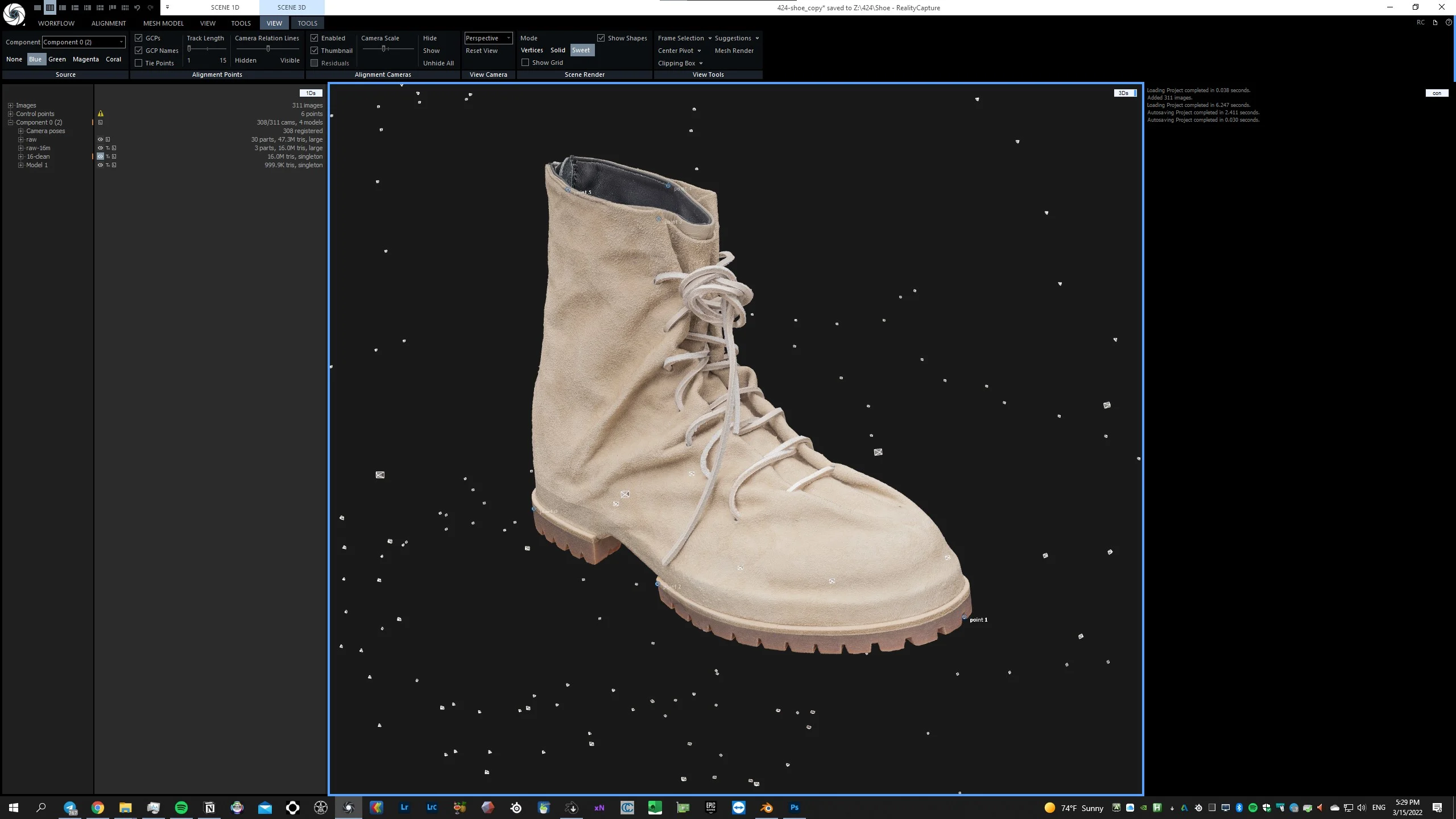
01Raw mesh in Reality Capture -
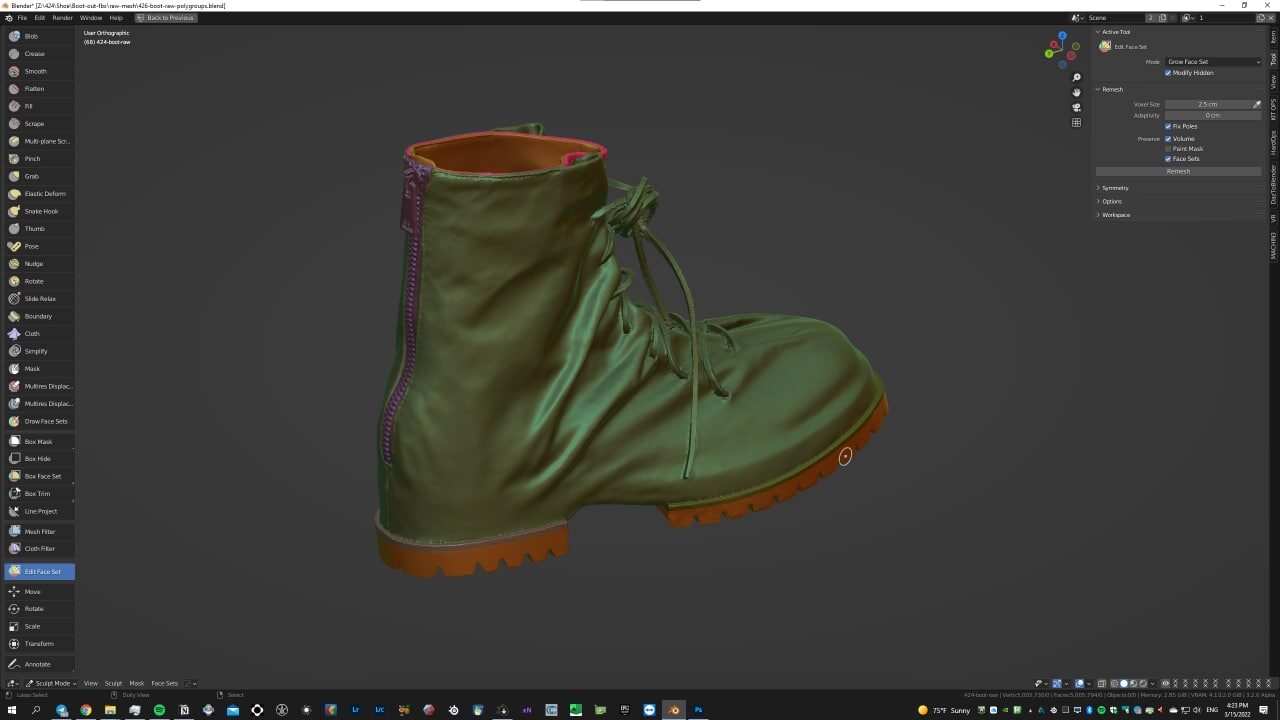
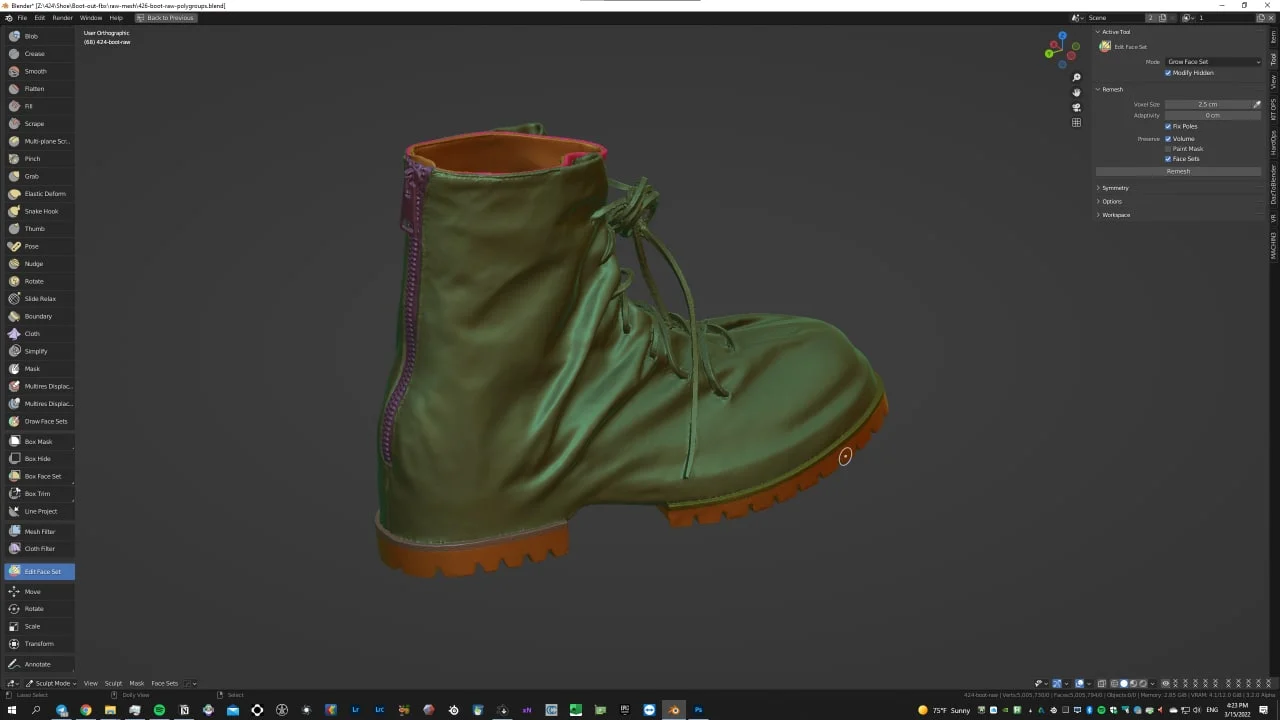
02Painting face sets in Blender, then transferring them to vertex groups for the Houdini unwrap — each group becomes its own UDIM tile -
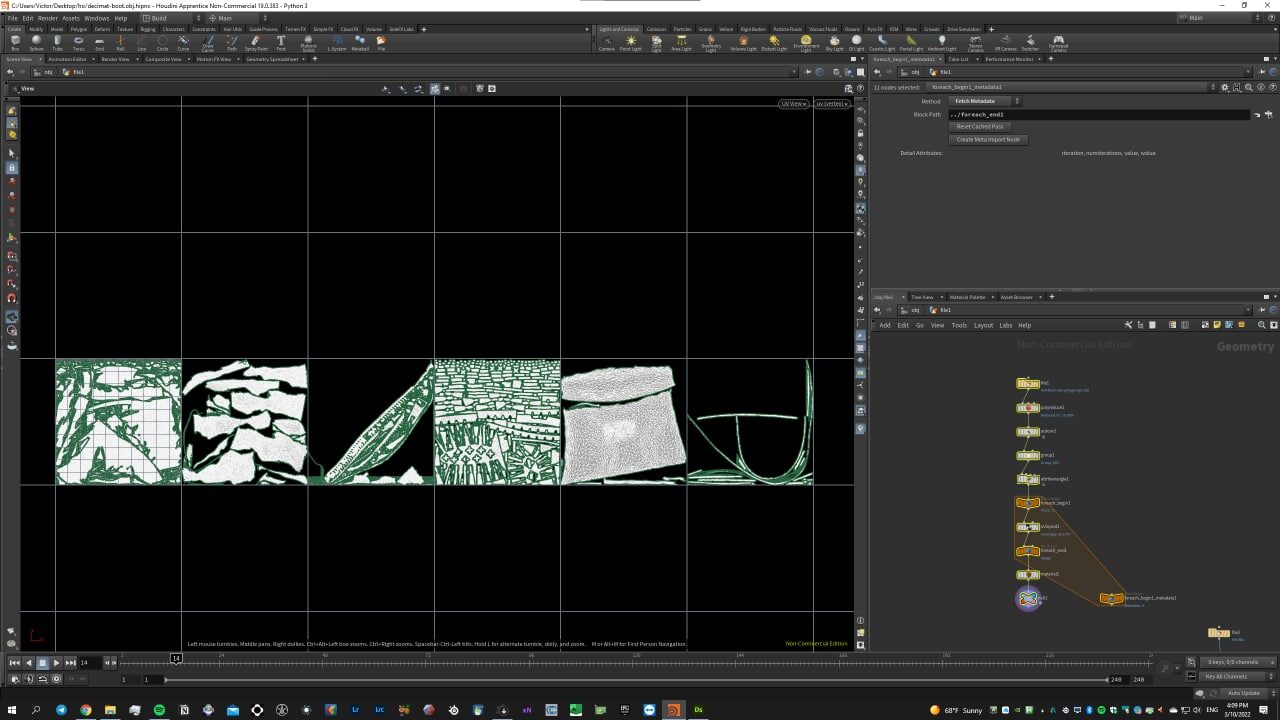
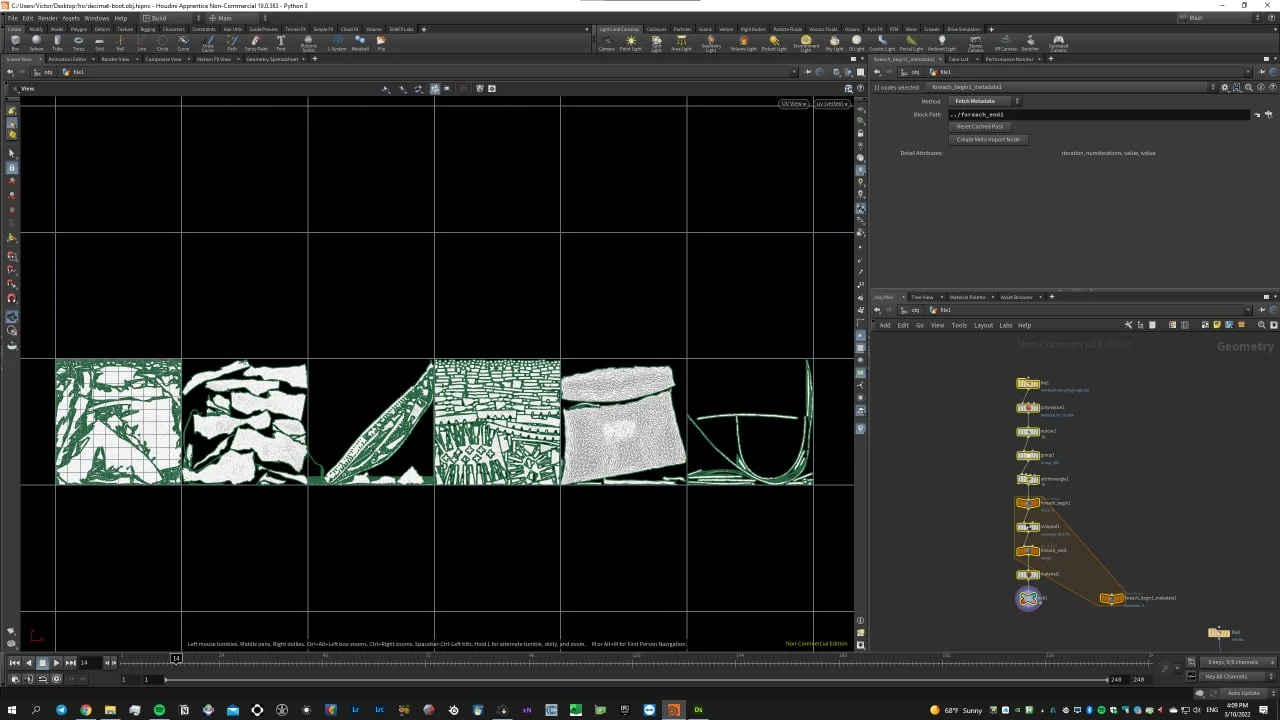
03Procedural UV-UDIM unwrap in Houdini, driven by the vertex groups from Blender -
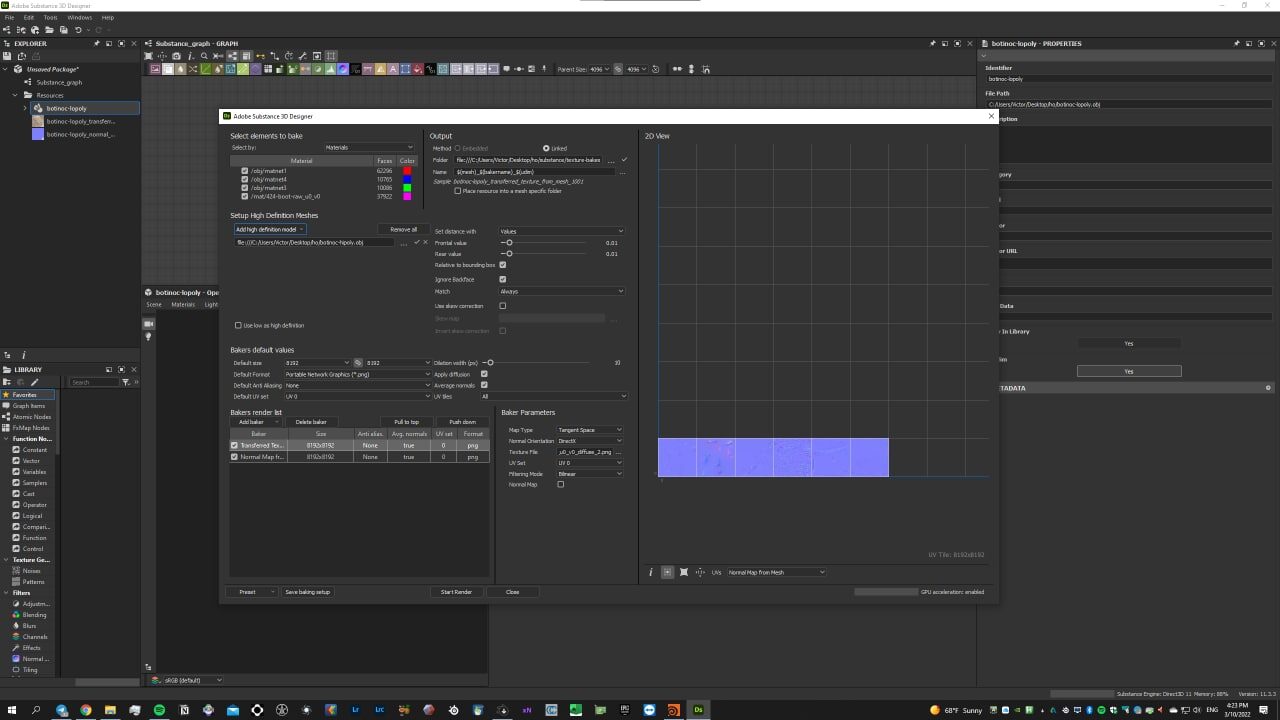
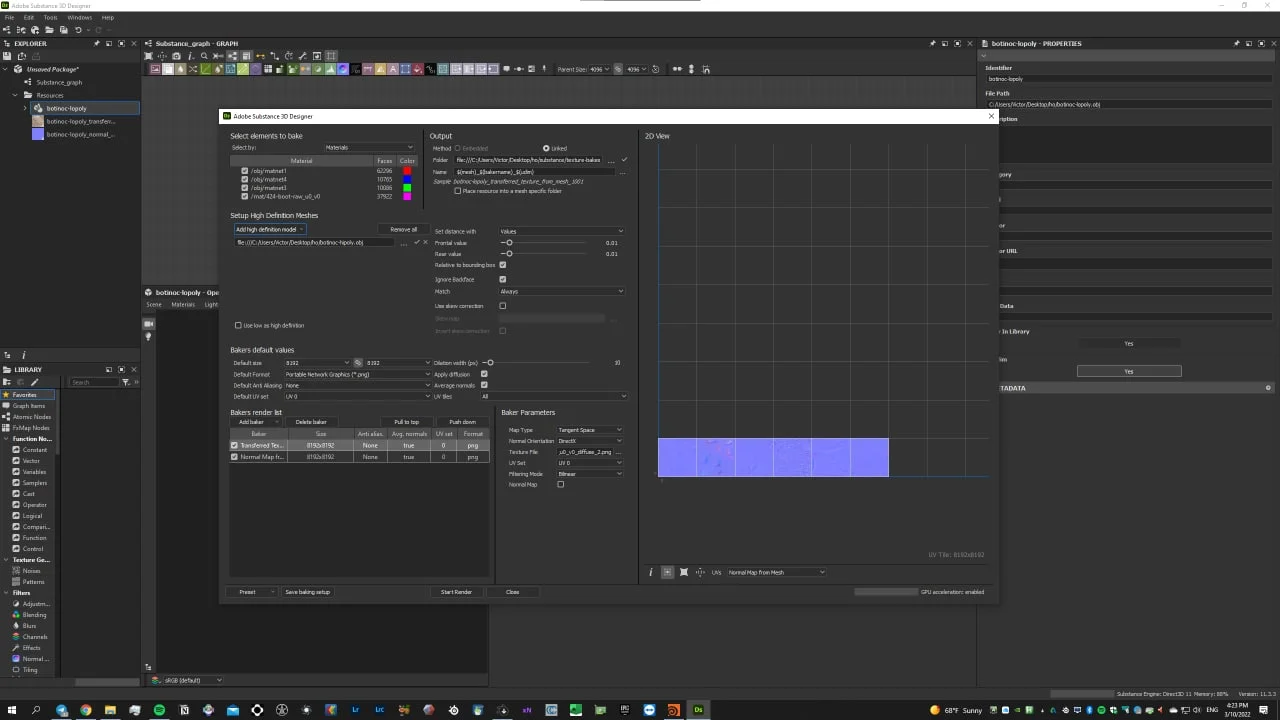
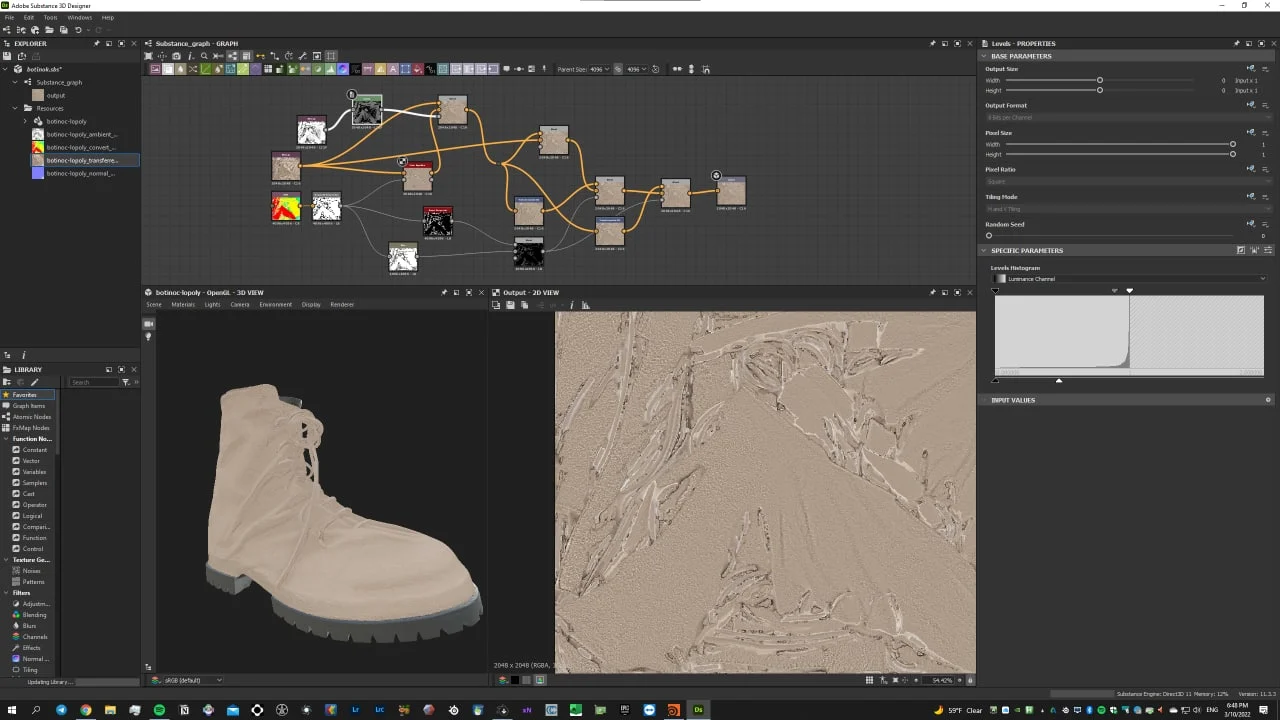
04Baking maps from the raw photogrammetry scan onto the low-poly mesh with a UDIM UV layout in Substance Designer -
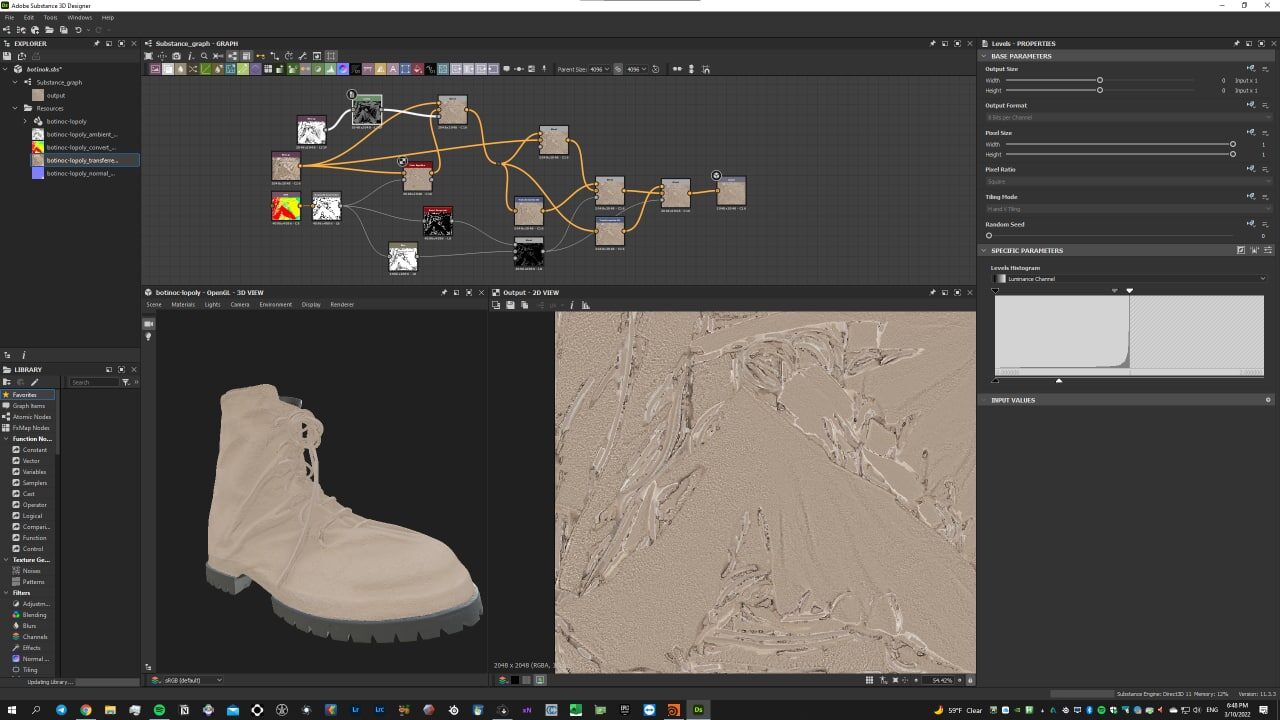
05Building the albedo map from the photogrammetry texture in Substance Designer -
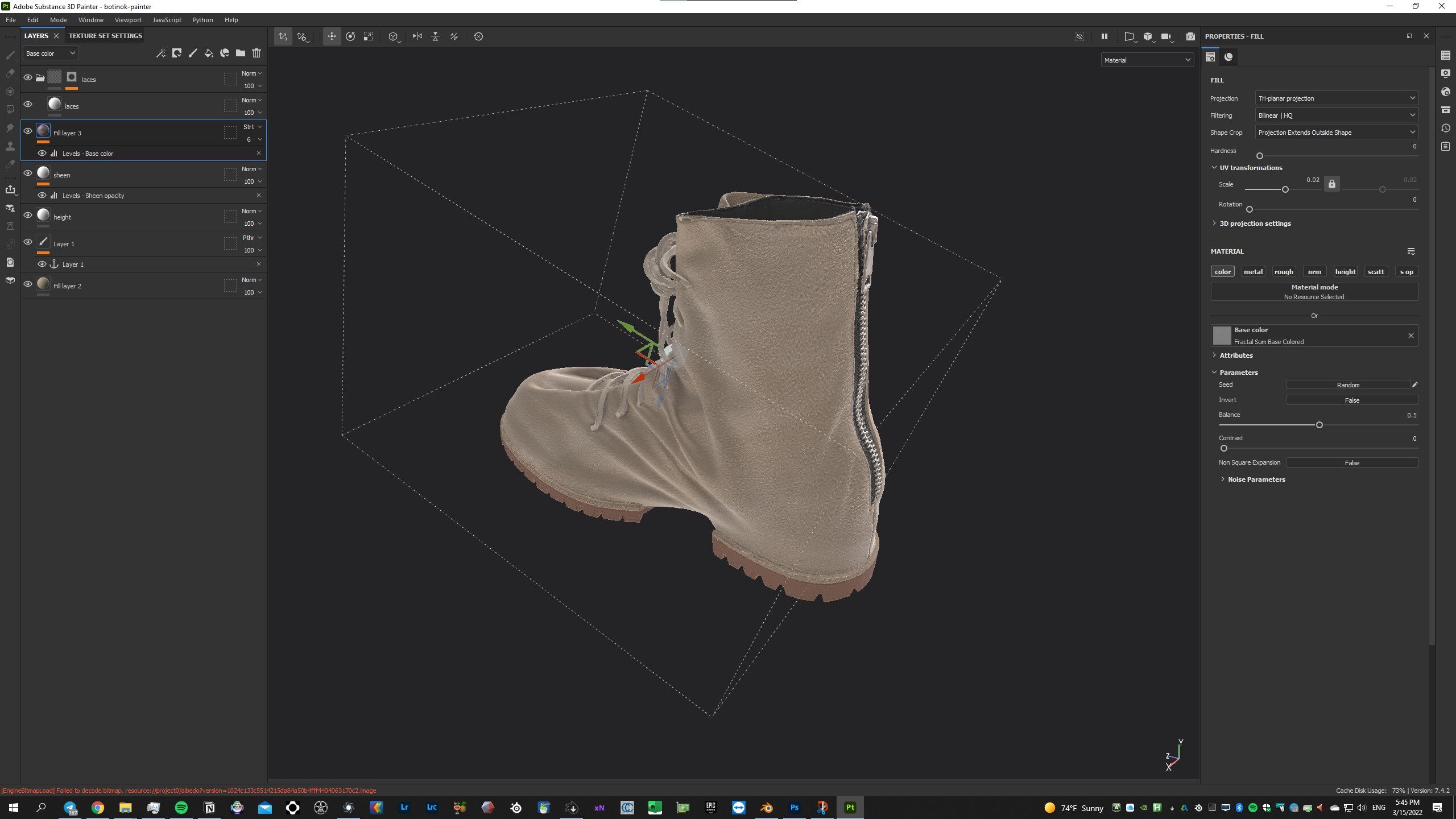
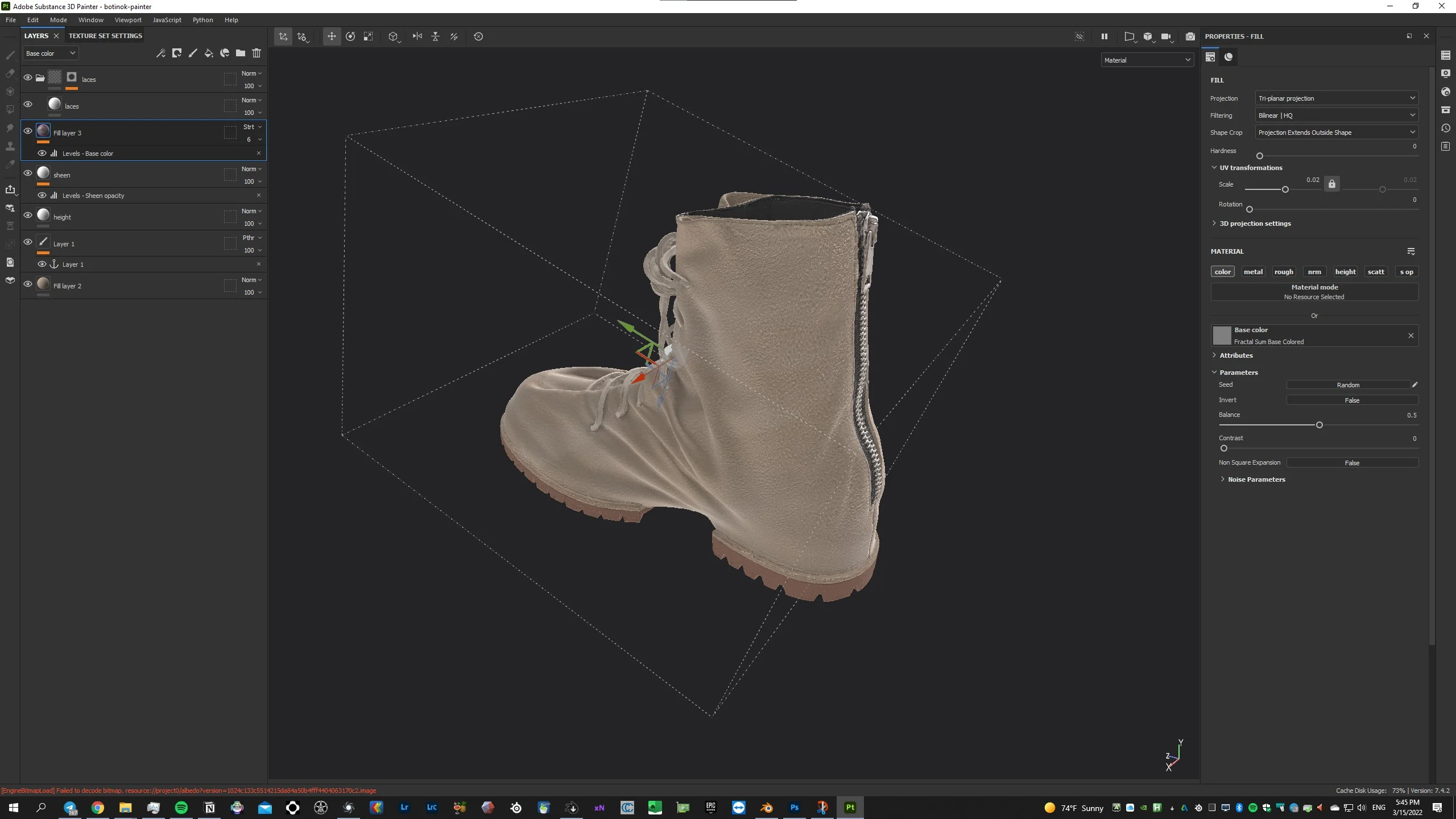
06Creating materials in Substance Painter -
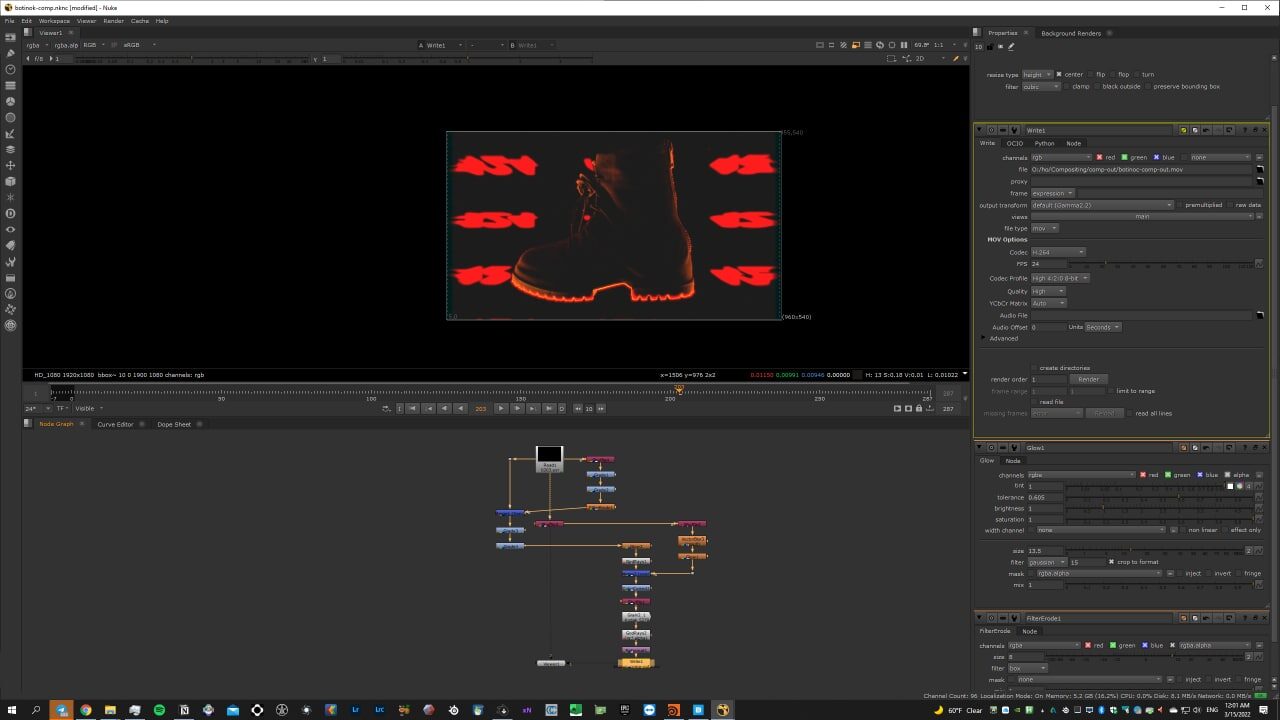
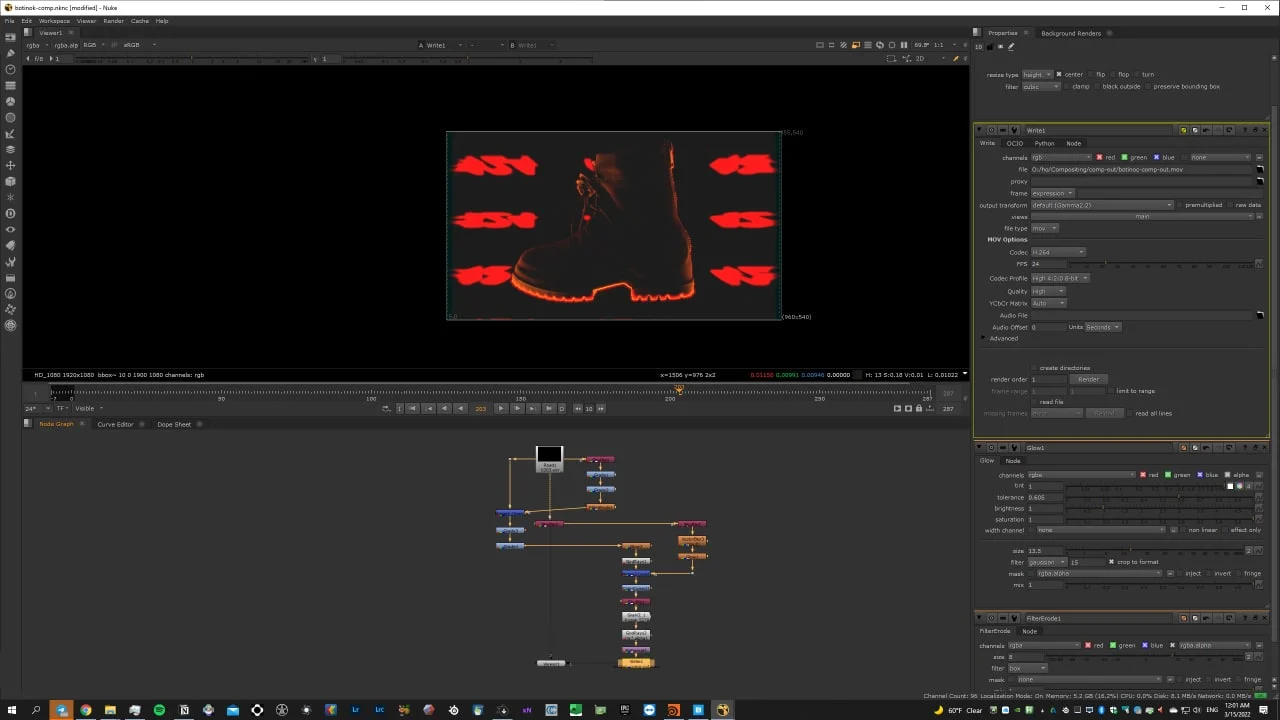
07Compositing the openEXR sequence in Nuke -
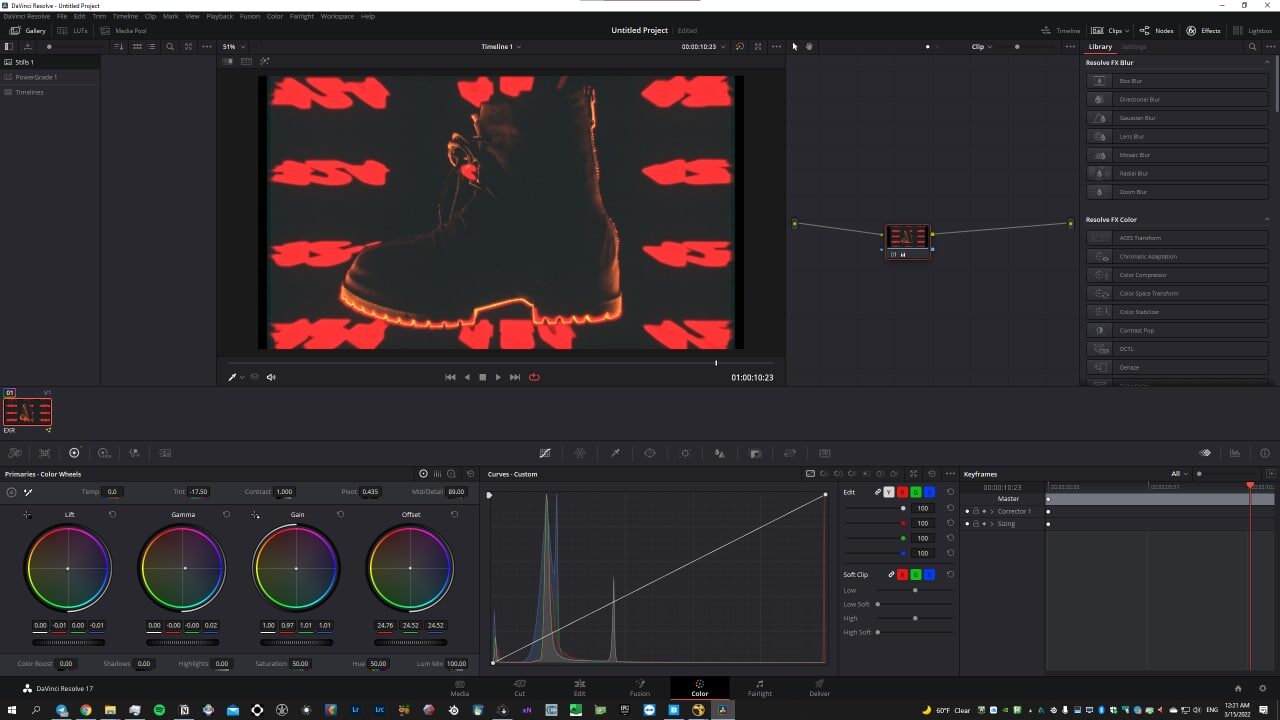
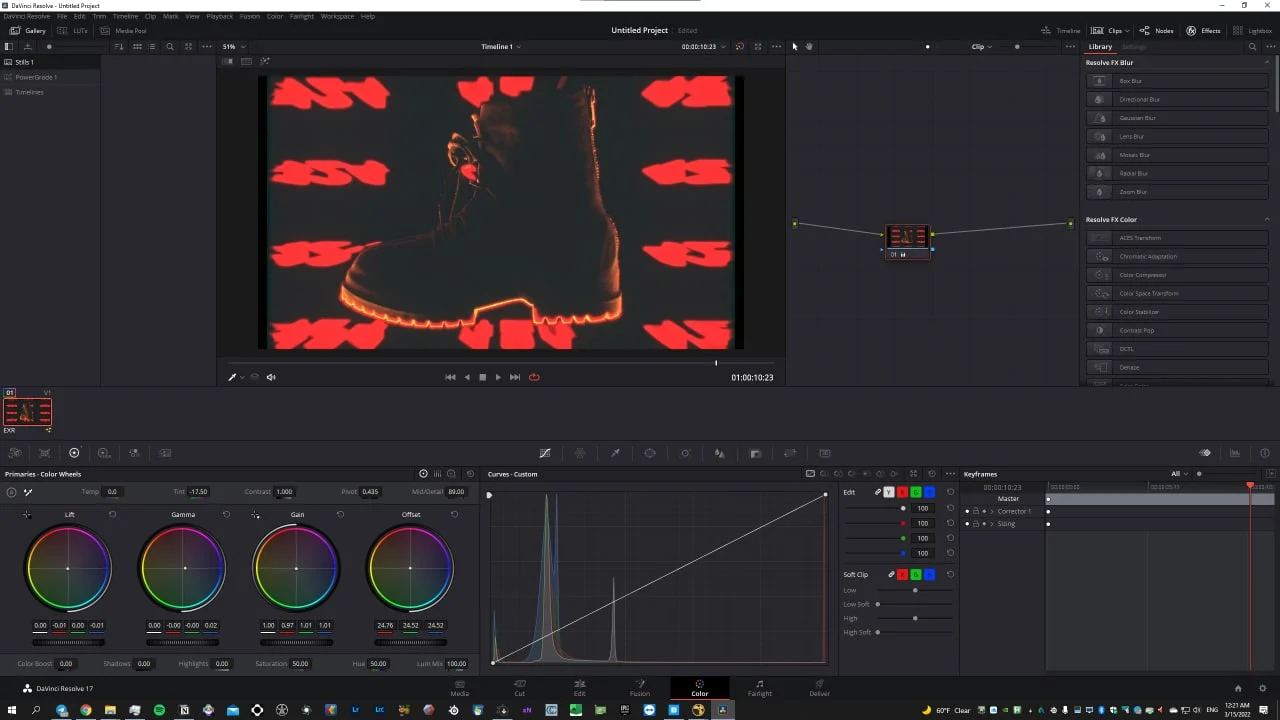
08Colour correction in DaVinci Resolve